
Overview
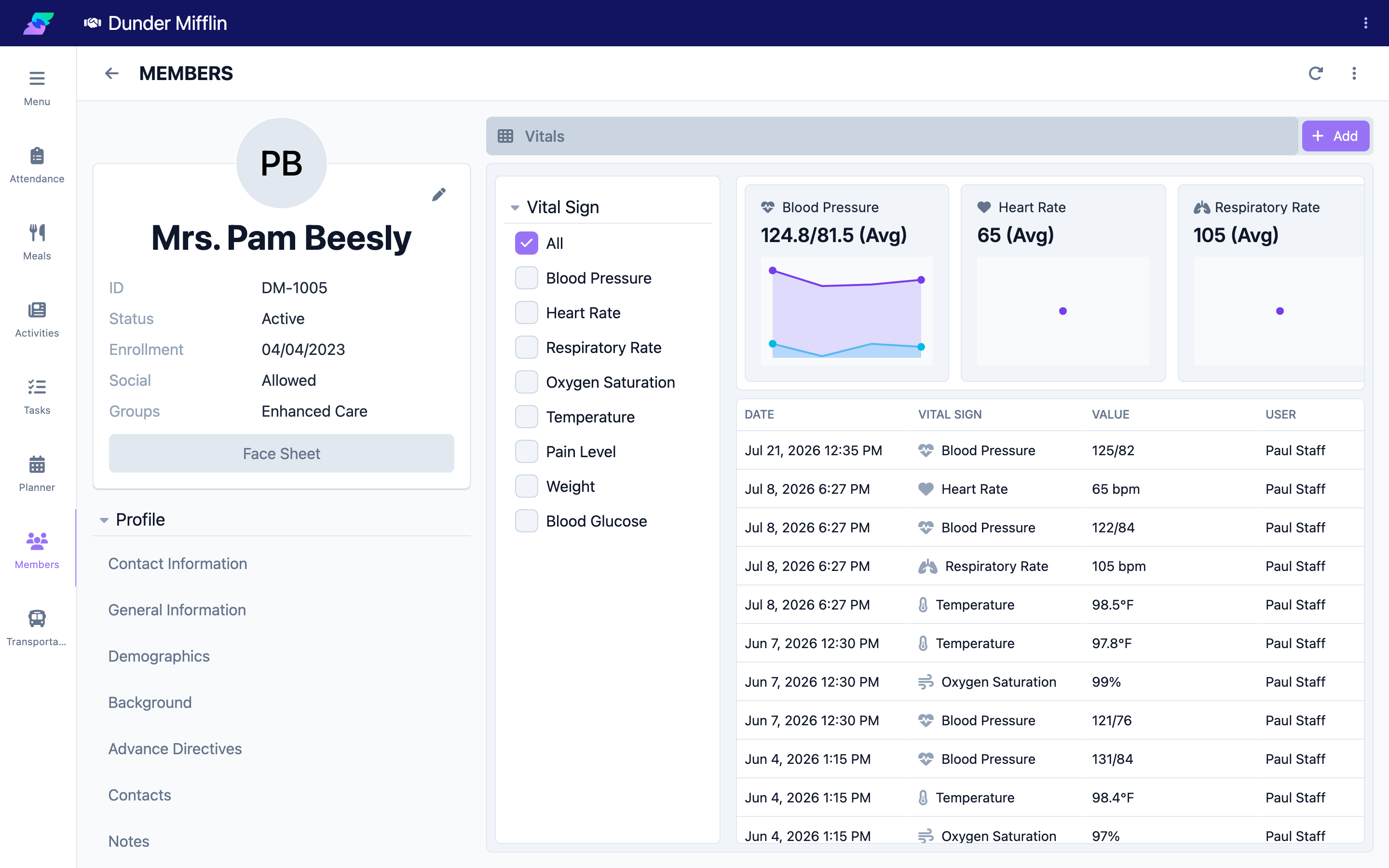
The Vitals tab is also where you review a member's vital sign history. Past readings appear in a table showing the date, vital sign, value, and who recorded it. On the web app, trend charts plot readings over time so you can spot patterns. A vital type filter and a View More control let you focus the view and load older readings.
Before You Begin
- You must be logged into Seniorverse with access to the Care module and clinical permissions
- The member must already exist in the system
- The member should have previously recorded vitals to review
Steps
Step 1: Open the Vitals Tab
From the main navigation, select Care, then Members, and choose the member. Open the Care tab group and select the Vitals tab. On the web app, trend charts appear above the readings table.
Step 2: Filter by Vital Sign
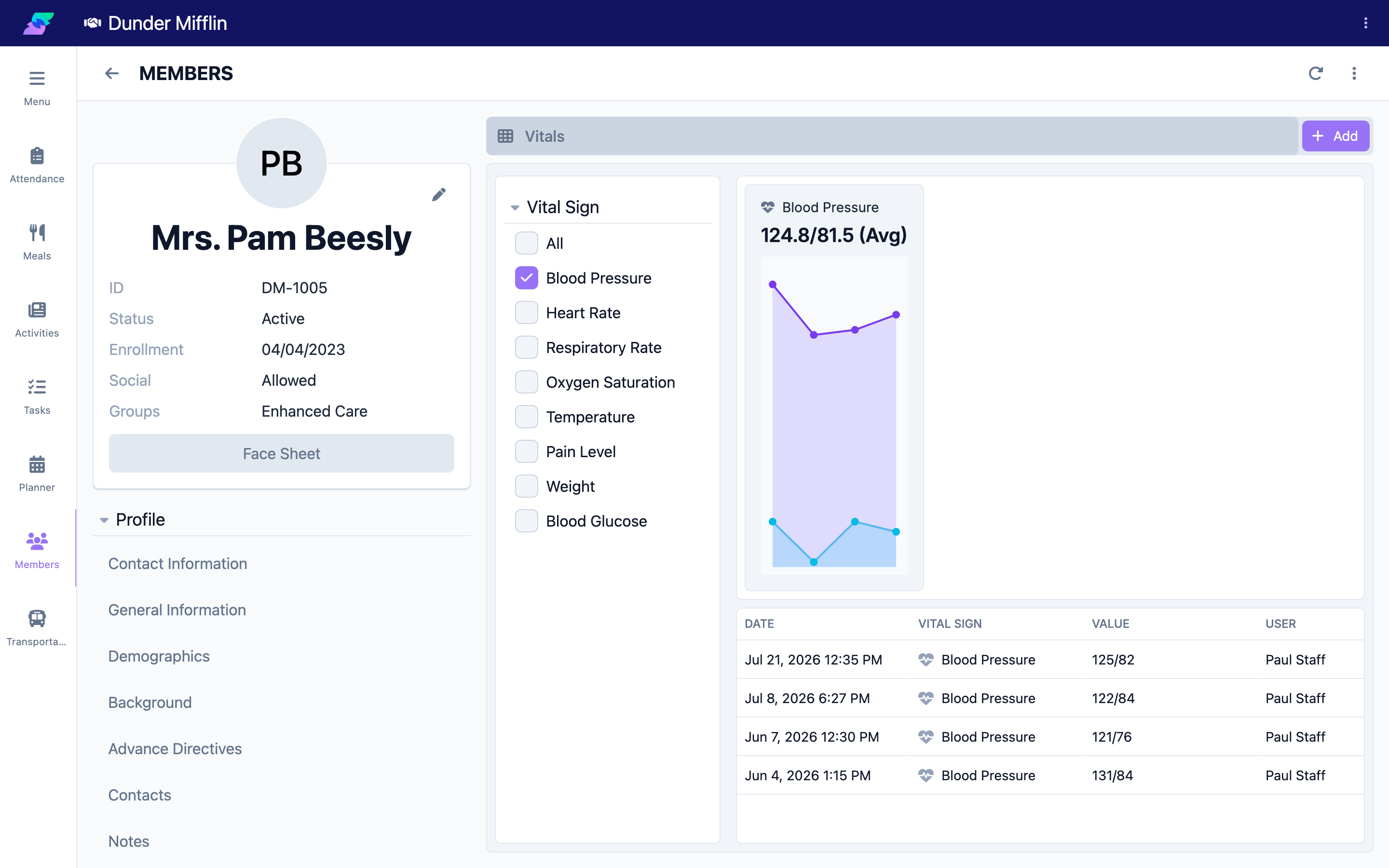
Use the vital sign filter to show All readings or narrow to a single type, such as Blood Pressure or Blood Glucose. The table and charts update to match your selection.
Step 3: Review the Trend Charts
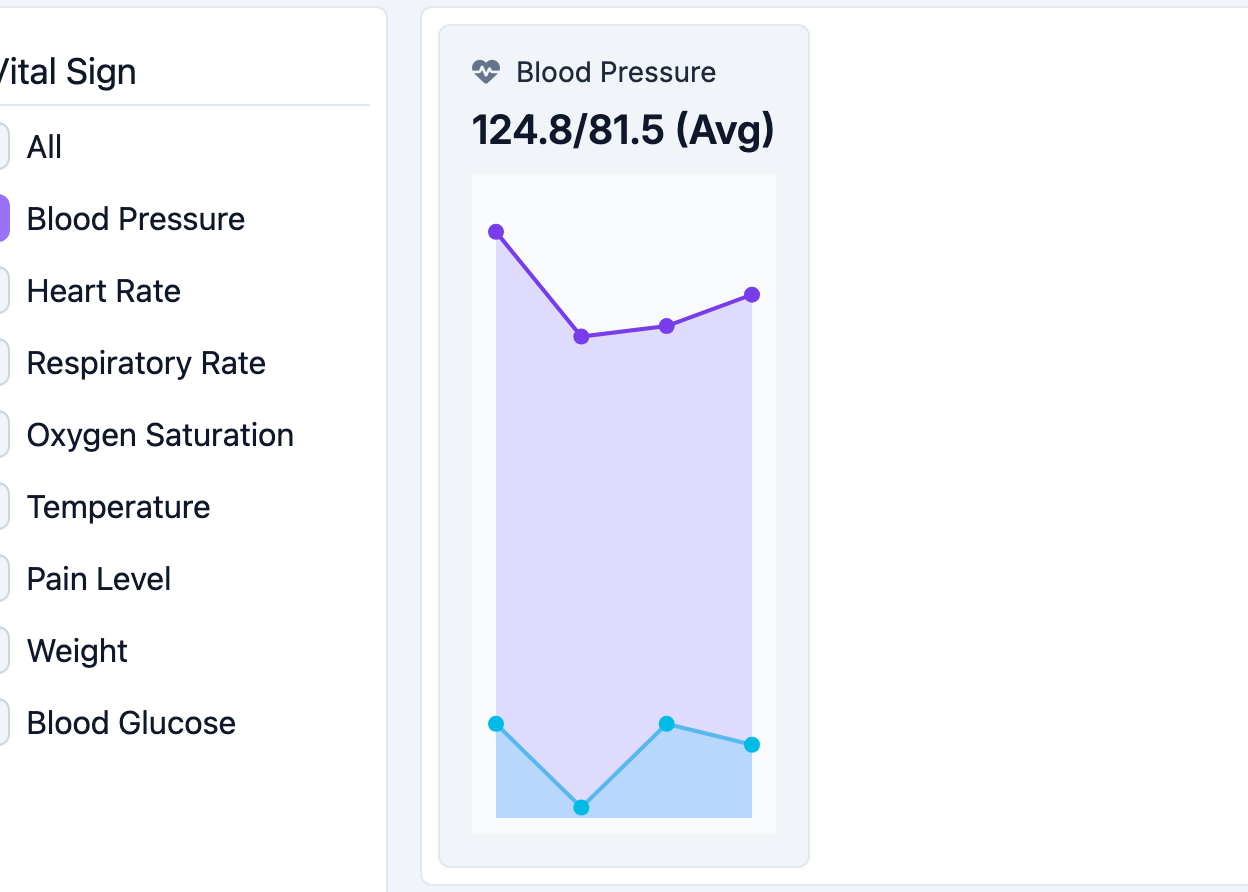
On the web app, the trend charts plot the selected vital types over time. Use them to see whether a measurement is trending up or down and to compare recent readings against the member's usual range.
Step 4: Review the Table and Load Older Readings
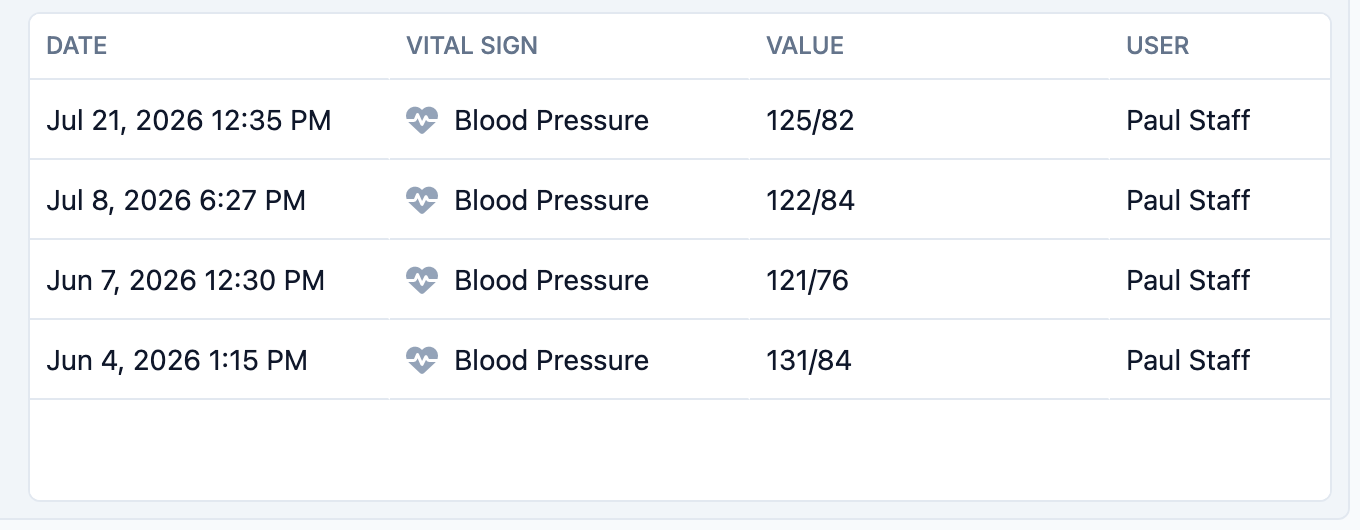
The readings table lists each entry with its Date, Vital Sign, Value, and the User who recorded it. Newest readings appear first. Select View More at the bottom of the table to load older readings, and select any row to open that reading's detail.
Tips
- Filter to one vital sign when preparing for a physician visit so the trend is easy to read
- Use the trend charts (web app) to identify gradual changes that are hard to see in a table
- The User column shows who recorded each reading, which is useful when following up on an entry
- Select View More to page back through the member's history
Troubleshooting
| Problem | Solution |
|---|---|
| Vitals tab is not visible | The tab is in the Care tab group of the member profile. Confirm you have Care module access and clinical permissions. |
| No readings appear | Confirm vitals have been recorded for this member, and check that the vital sign filter is not limiting the view. Set the filter to All. |
| Trend charts are missing | Trend charts render on the web app. On mobile you will see the readings table only. |
| Older readings are not showing | Select View More at the bottom of the table to load earlier readings. |