
Overview
The Planner's Calendar selector switches the calendar between Month, Week, and Day. This is separate from the View selector, which changes the mode (Planner, Print Editor, List, or Recurring). This article explains the three calendar periods and how to move between dates.
Before You Begin
- You must be logged into Seniorverse with Care module access.
- You need the Care:Planner permission (or Care:FullAccess).
Steps
Step 1: Open the Planner and find the Calendar selector
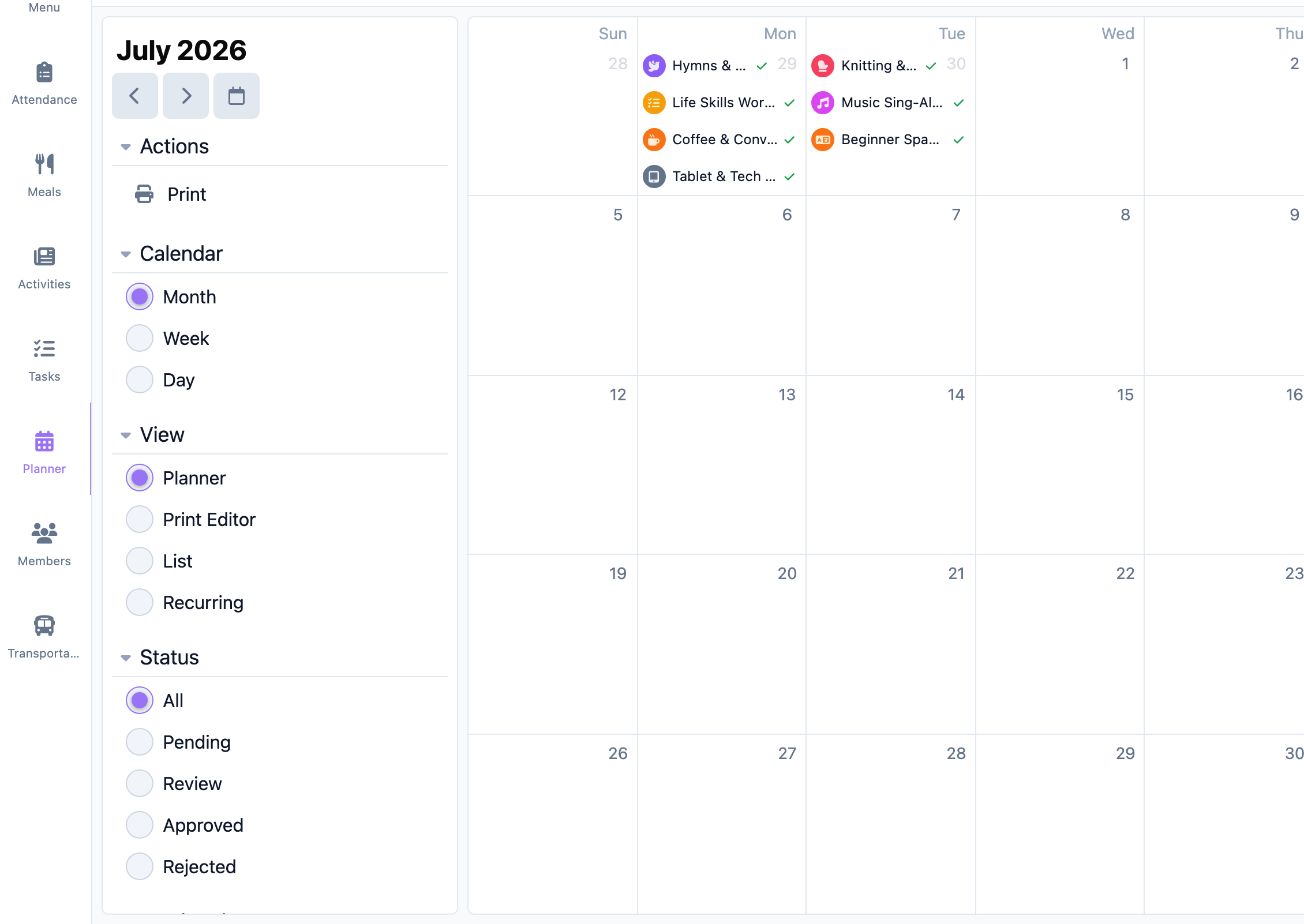
Select Care, then Planner. Locate the Calendar selector with Month, Week, and Day options.
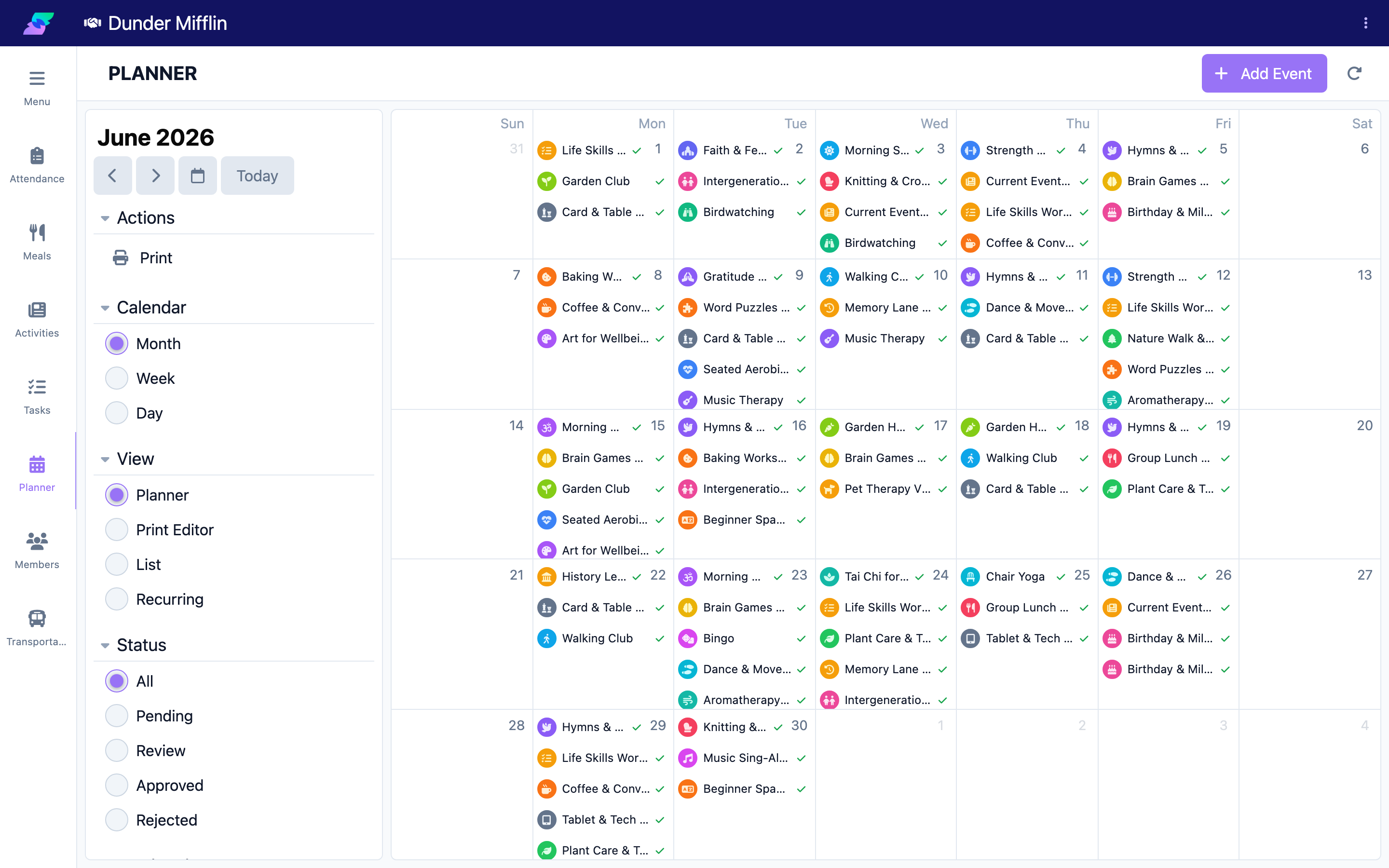
Step 2: Use Month view
Select Month to see the whole month as a grid. Each day cell shows its events. This is best for spotting busy or open days and for longer-range planning.
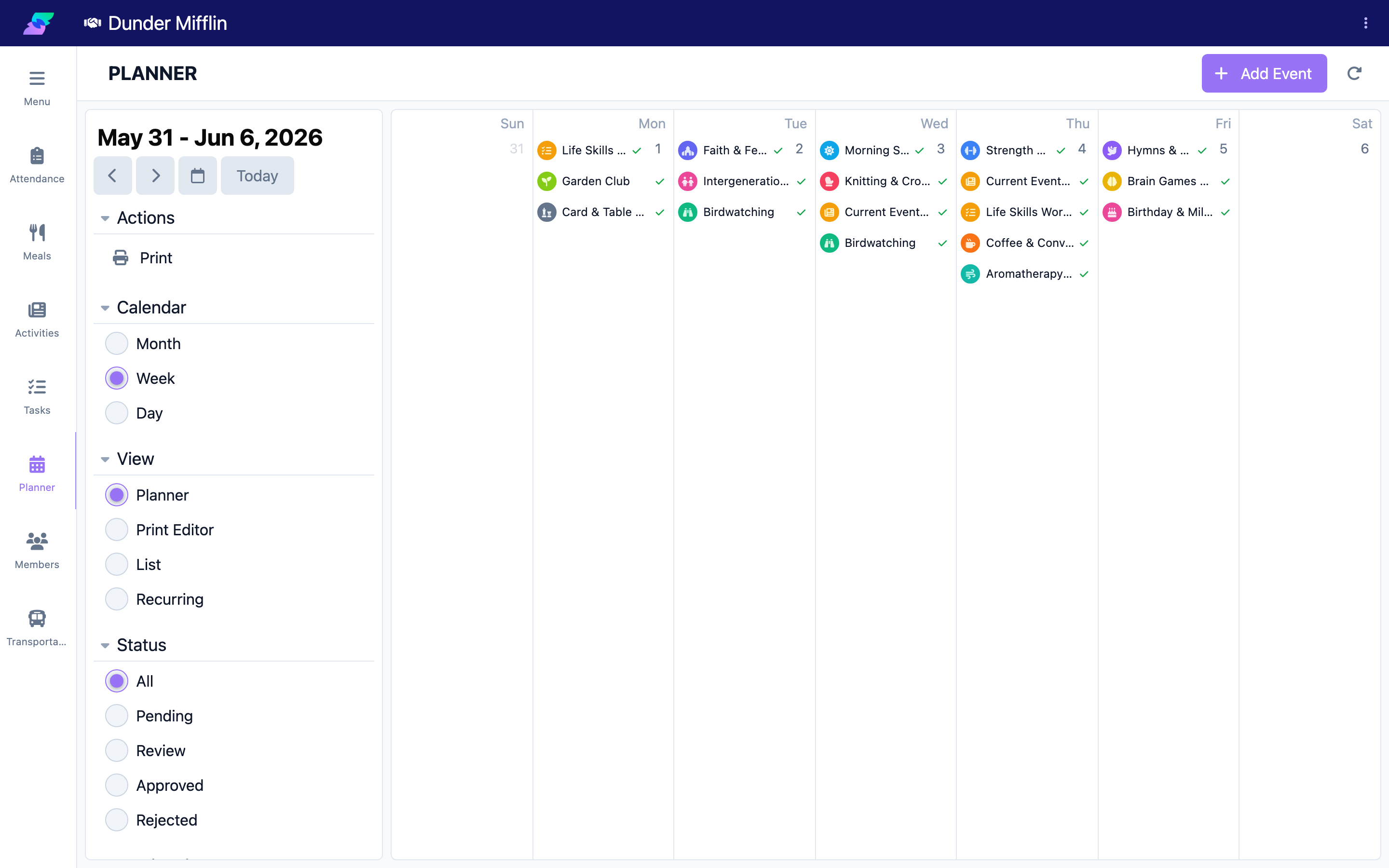
Step 3: Use Week view
Select Week to see the days of the week side by side with events at their times. This is best for a balanced overview of the week's programming.
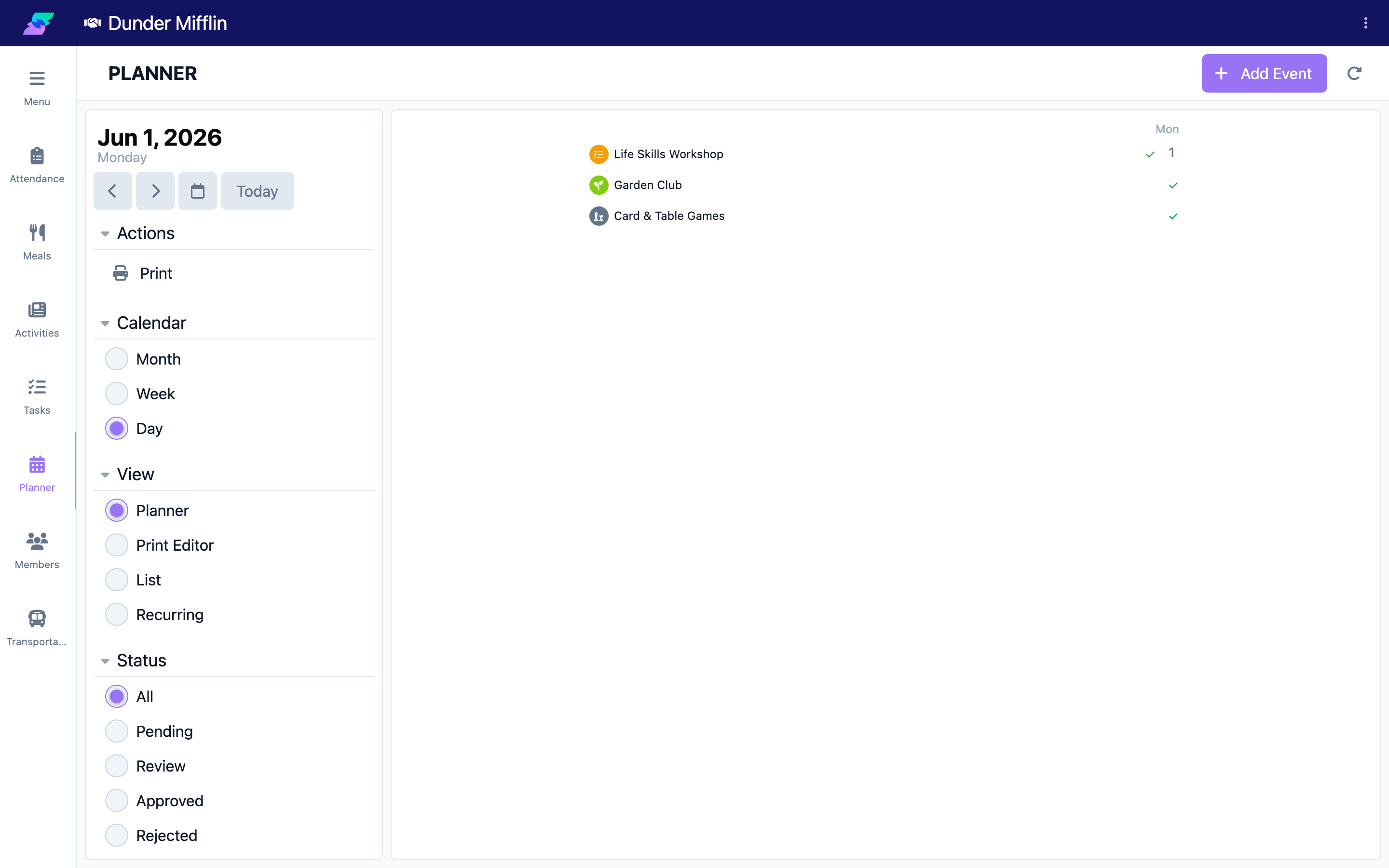
Step 4: Use Day view and navigate dates
Select Day to focus on a single day's events in detail. Use the date navigation to move between periods, and return to the current date with the Today control.
Calendar vs View
The Calendar selector (Month/Week/Day) changes the calendar period. The separate View selector changes the mode: Planner (the calendar), List (a flat, time-ordered list with quick approve/reject), Recurring (recurring events), and Print Editor (a print layout preview). Your filter selections carry over when you switch either one.
Tips
- Use Month to plan, then switch to Week or Day to work the details.
- Your Status, Weekends, and Groups filters stay applied as you change the calendar period.
- Switch the View to List when you just need a straight run of events to act on.
Troubleshooting
| Problem | Solution |
|---|---|
| The calendar shows the wrong period | Use the date navigation, or the Today control, to return to the current date. |
| Events are hard to see in Month view | Month view is denser; switch to Week or Day, or select a day to focus on it. |
| The buttons do not respond | Refresh the Planner. If it persists, try a different browser. |
| I expected a List option among Month/Week/Day | List is under the View selector, not the Calendar selector. |
Related Articles
- understanding-the-planner — Understanding the Planner
- creating-and-editing-events — Creating and Editing Events
- printing-and-exporting-schedules — Printing and Exporting Schedules